
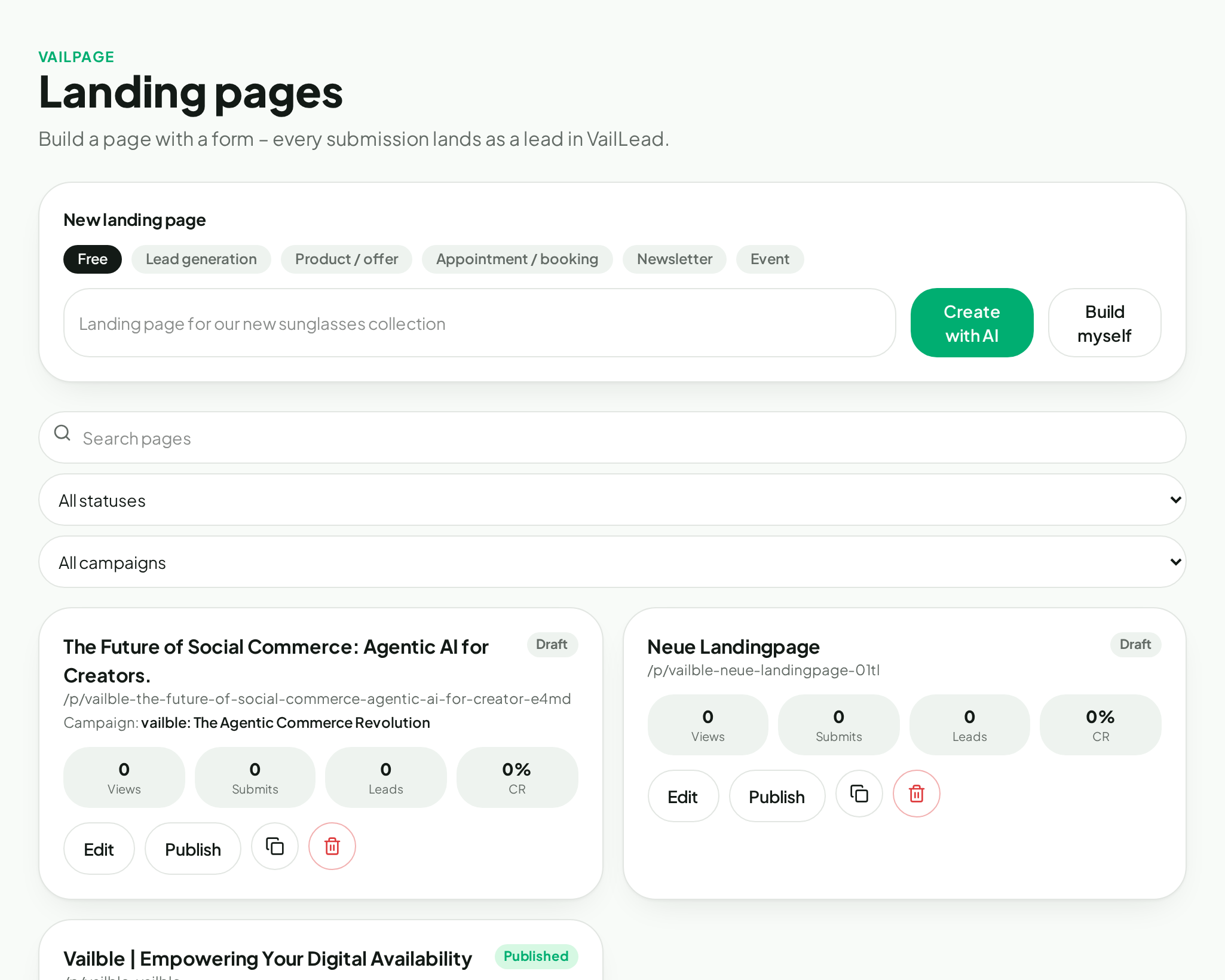
Draft with AI
Turn a goal and offer into a structured page draft.
VailPage
Create, edit and share campaign pages in your own brand style.
VailPage creates structured page blocks from your brief and Brand Brain. Copy, sections and calls to action remain editable before publication.
Everything included
Turn a goal and offer into a structured page draft.
Use logo, colour, tone and messages from the Brand Brain.
Adjust hero, benefits, FAQ, contact and closing sections.
Publish for small and large screens.
See the current page before approval.
Activate a shareable URL and disable it later.
How it works
Define the offer, audience and desired action.
Review copy, structure and brand expression.
Activate the page and share its address.
Next feature
Design digital touchpoints and share them through a clear URL, a QR code or a voucher.