
Images to the WordPress media library
Select images in your VAILUP media library and transfer them in one click (JPEG, PNG, WebP, GIF up to 10 MB).
Create and schedule blog posts, apply SEO improvements, transfer images and get ideas from the Pilot – all connected to your own website. No plugin, and nothing goes live without your approval.
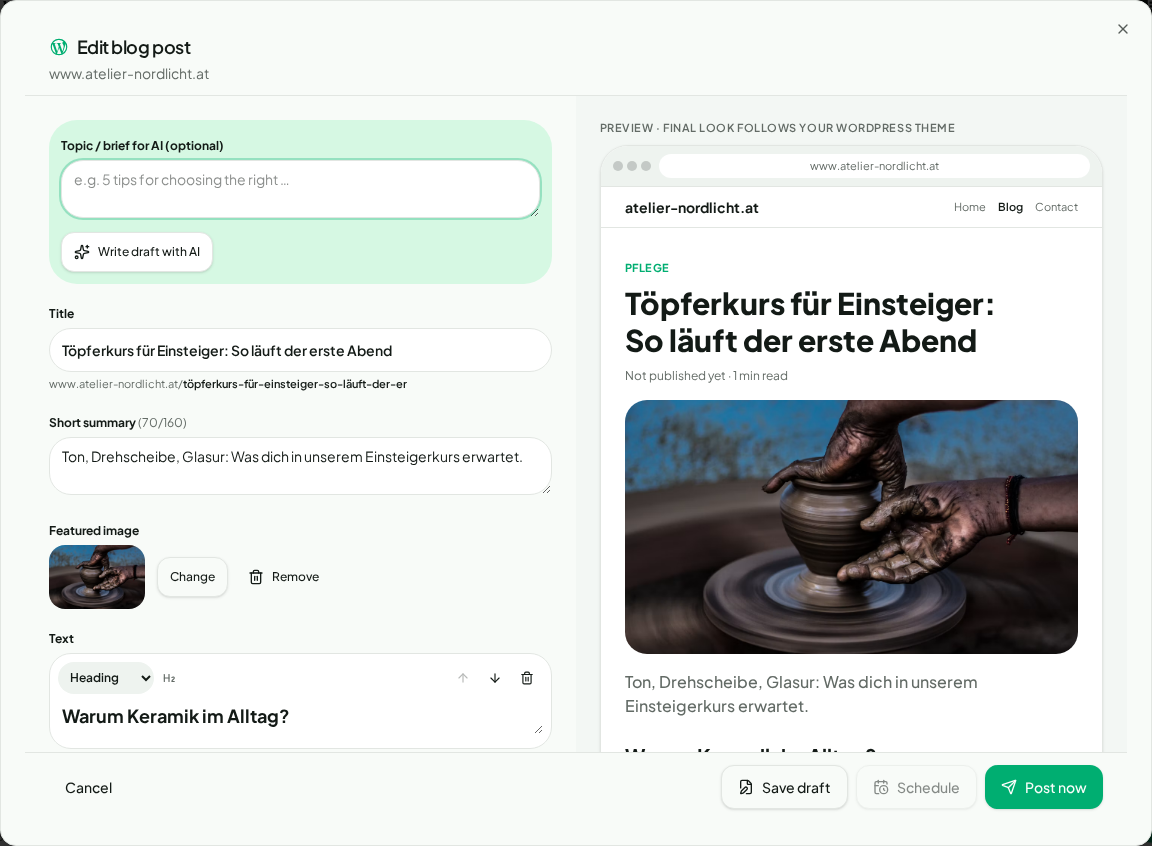
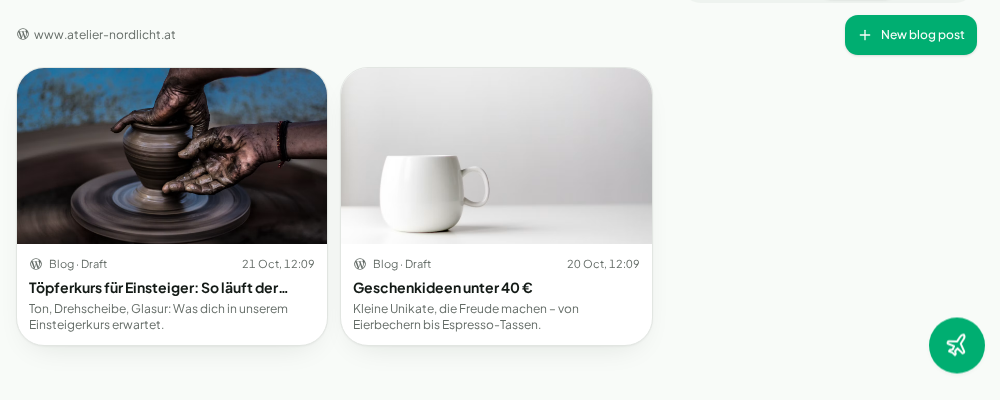
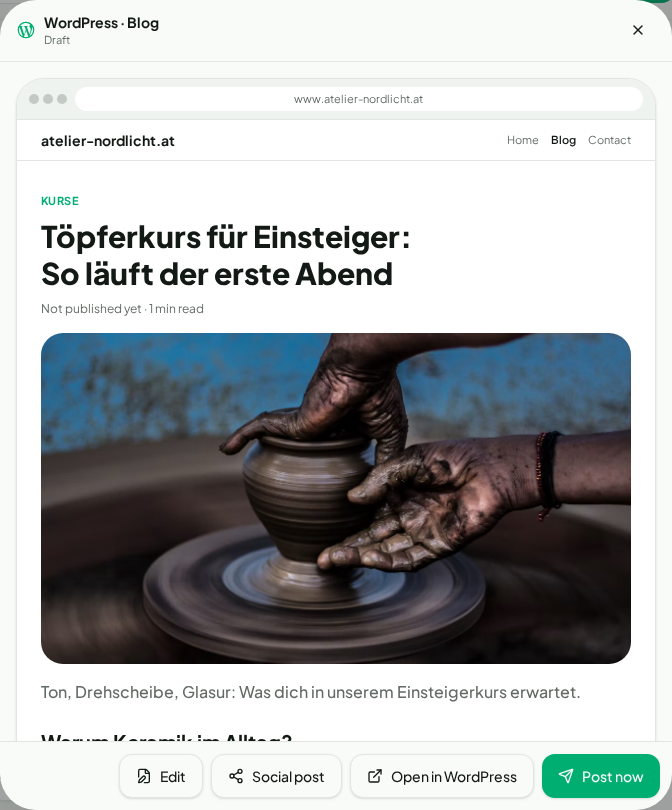
Open the blog editor via “+ Create → Blog post”. Write yourself or let your Brand Brain draft an article. All posts then appear under “My marketing → Blog” with a true-to-life preview.
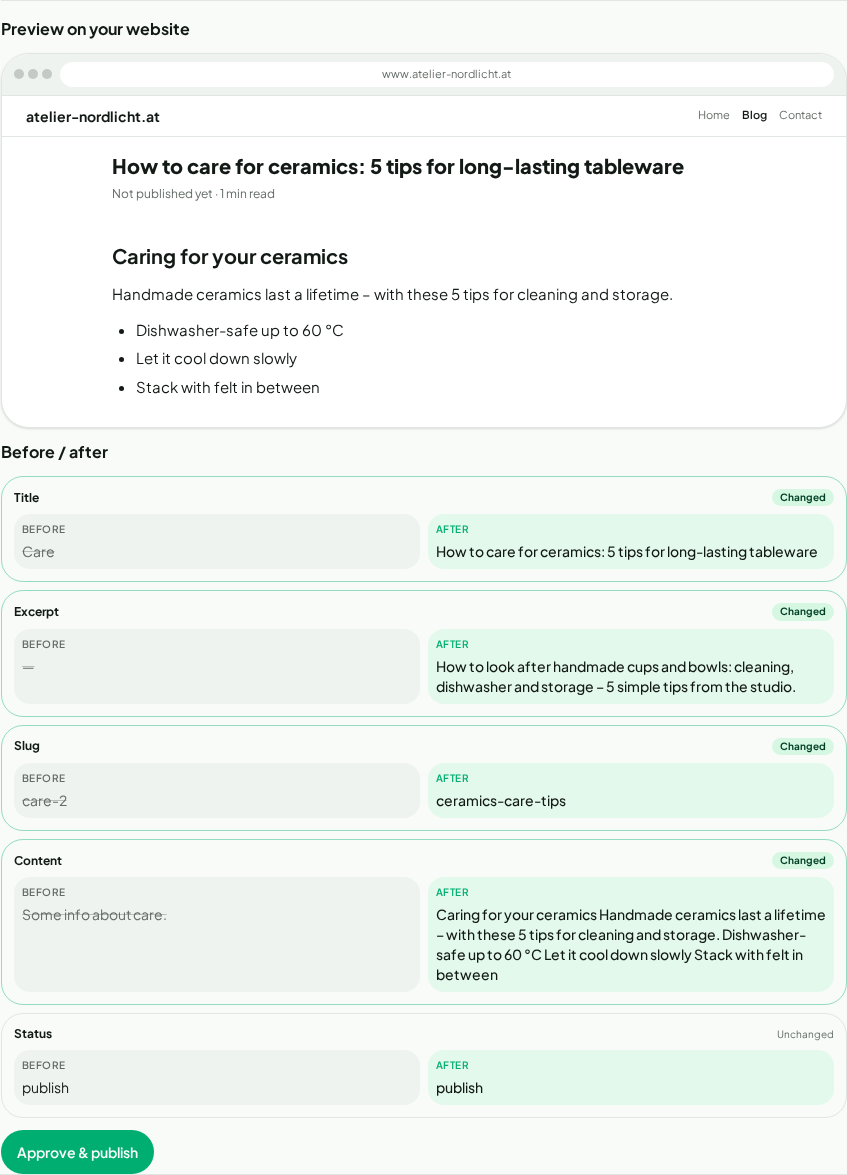
VailSEO checks your website and suggests better titles, excerpts, slugs and text. With WordPress you see before and after side by side and apply the change in one click.
Turn on “Analyse my WordPress website” in VailPilot settings. The Pilot then knows your existing posts and suggests fitting new blog topics – switch it off anytime.

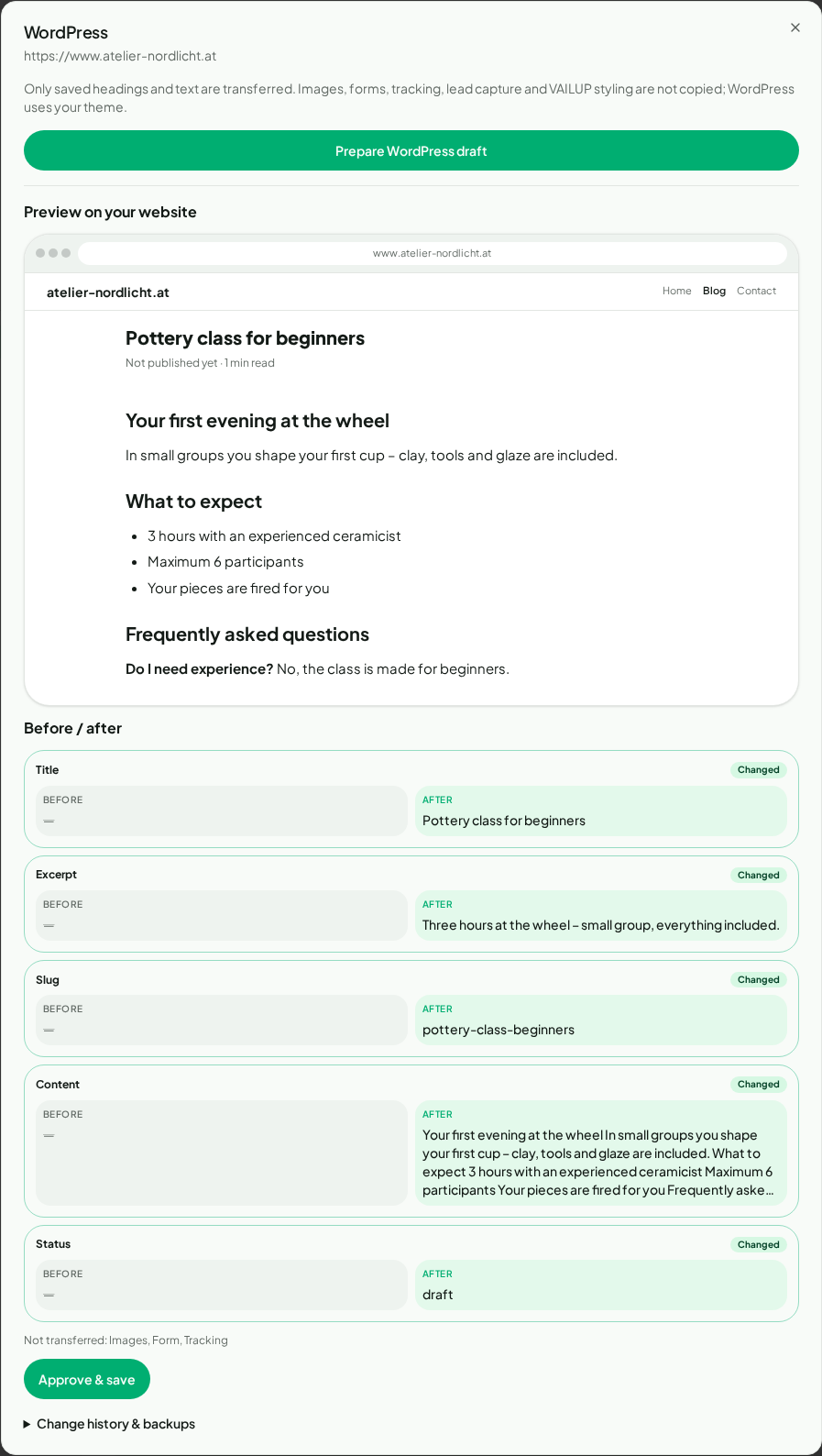
Transfer headings and text from your VailPage pages to your own domain as a draft. WordPress uses your theme – you review and publish there.
Select images in your VAILUP media library and transfer them in one click (JPEG, PNG, WebP, GIF up to 10 MB).
Pages, posts, media and authorized site details at a glance – loaded page by page, even for large sites.
Connected via an Application Password over HTTPS. Credentials are stored encrypted and permissions are checked automatically.
Create an Application Password
In WordPress (5.6+): Users → Profile → Application Passwords. Ideally with a dedicated editor account.
Add it to VAILUP
Settings → Integrations → WordPress: enter site URL, username and password.
Get started
VAILUP checks permissions. Blog, SEO apply and image transfer then appear automatically.
For self-hosted WordPress sites with HTTPS and an active REST API. SEO plugin fields (e.g. Yoast, Rank Math), theme design and menus are never modified.